

Variety of paper options
Portrait, landscape or square formats
Saddle stitched or perfect bound options
From $51.30
Catalogs
Configure now
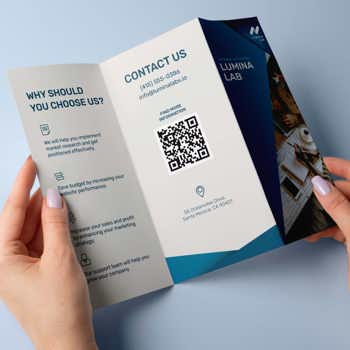
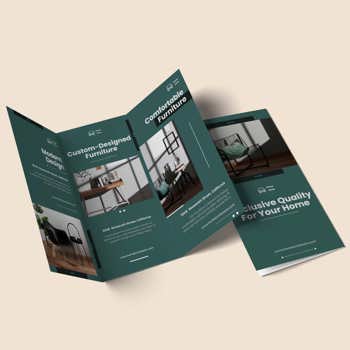
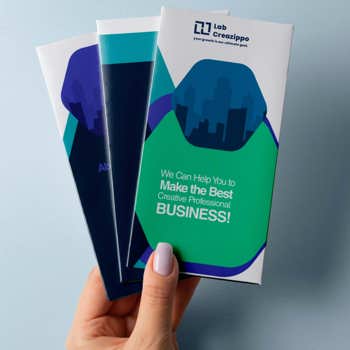
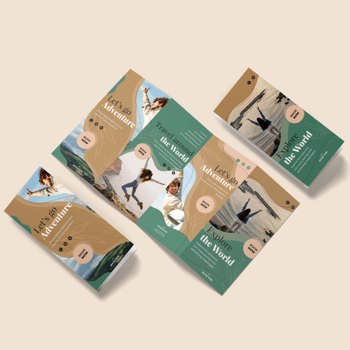
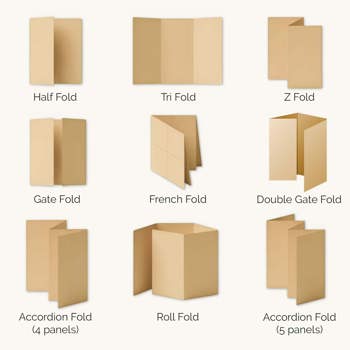
Professional brochures provide outstanding quality for your marketing campaigns. Our products include everything, from traditional trifold brochures to sleek accordion-fold leaflets.
For every printed product, you will get:
Not Sure How to Get Started?
For most of our products we offer design services for an affordable flat fee.
Let our professional designers help you to create a lovely file for you - guaranteed optimzed for our print workflow with no surprises.
Read more about our design services
Add Your Product to the Cart NowWe Offer Custom Brochure Printing
Professional brochures provide outstanding quality for your marketing campaigns. Our products include everything, from traditional trifold brochures to sleek accordion-fold leaflets.
For every printed product, you will get:
Select size and folding to see the product dimensions.
When setting up your file, please ensure to also add a 0.1" bleed on all four sides

Receive This Quote as PDF
To receive a detailed quote, please fill out as many fields as possible.
The PDF document will be sent by email, please ensure the provided email address is correct.

No matter if you're exhibiting at a busy trade show, updating your restaurant's seasonal menu, or refreshing in-store displays, a professionally printed brochure delivers your message with highest visual impact.
Starting from just 3¢ each, our custom brochures come with a wide array of premium folding techniques, paper stocks, and size options.
From eye-catching product sell sheets and event handouts to elegant dining menus and retail lookbooks, our custom brochure printing services will help you present every detail with polished, brand-quality results.
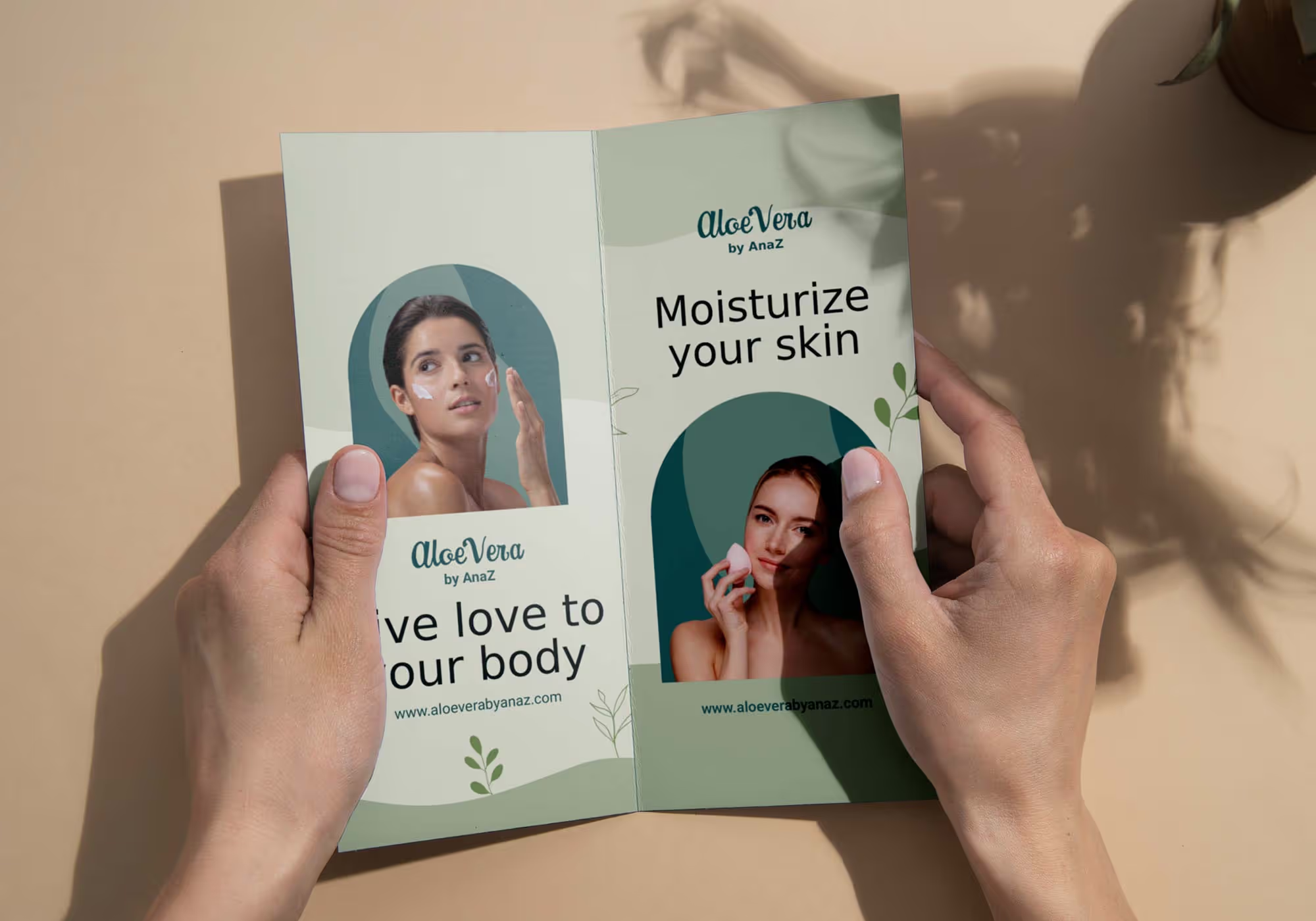

Select preferred size, paper, and binding options in our configurator, then review production time and the estimated delivery time.

Click “Add to Cart & Upload Your File” to submit your design. If you have multiple versions, duplicate the item and only then edit details.
Download your free PDF proof to ensure your premium quality brochure looks exactly as expected and complete the checkout process.
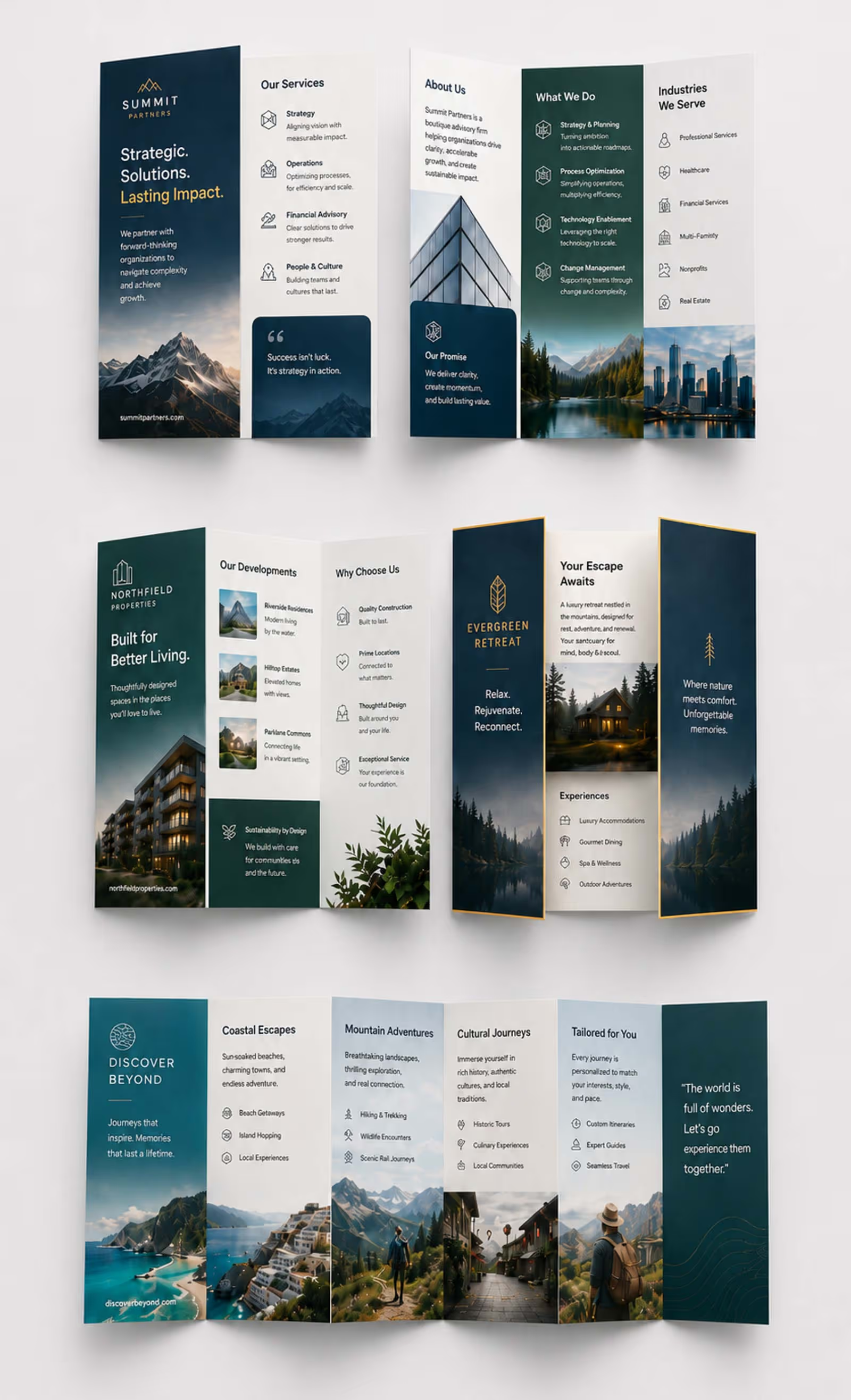
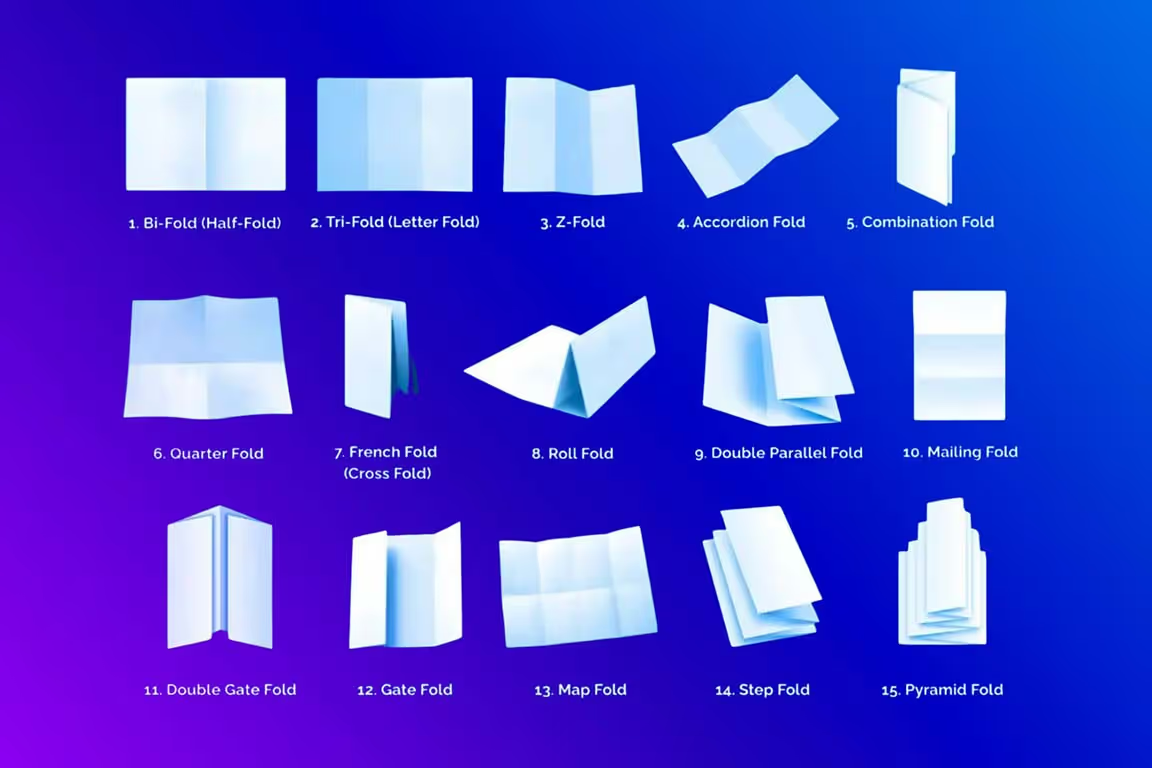
Different brochure folds are great for different scenarios. Sometimes a simple layout is the ideal, whereas other situations require complex, multi-panel layouts.
We offer:
We have an extensive selection of accordion folds from 4 to 7 panels that most printing companies don't offer! This allows you to be even more creative with your designs and information to showcase your products!
Ensure your file matches the selected size and orientation (portrait or landscape). If your file differs from the ordered size, it may be resized automatically unless you add the Trim to Custom Size service.
Follow the panel layout and measurements shown in the layout mockup above.
A brochure is printed on 1 sheet but counts as 2 pages: the front side (Page 1) and the back side (Page 2). That single sheet is then folded into the panels of your chosen fold type. All brochures must have a design on both sides of the sheet, so be sure to supply artwork for both Page 1 and Page 2.
The order of your pages matters. Page 1 must always be the outside of the brochure and include the front cover, since this is the first panel customers see when the brochure is folded and closed.
Page 2 is the inside of the brochure, containing the panels that are revealed as it's unfolded. Make sure your pages are arranged in this order before uploading, as files submitted out of sequence may print incorrectly.
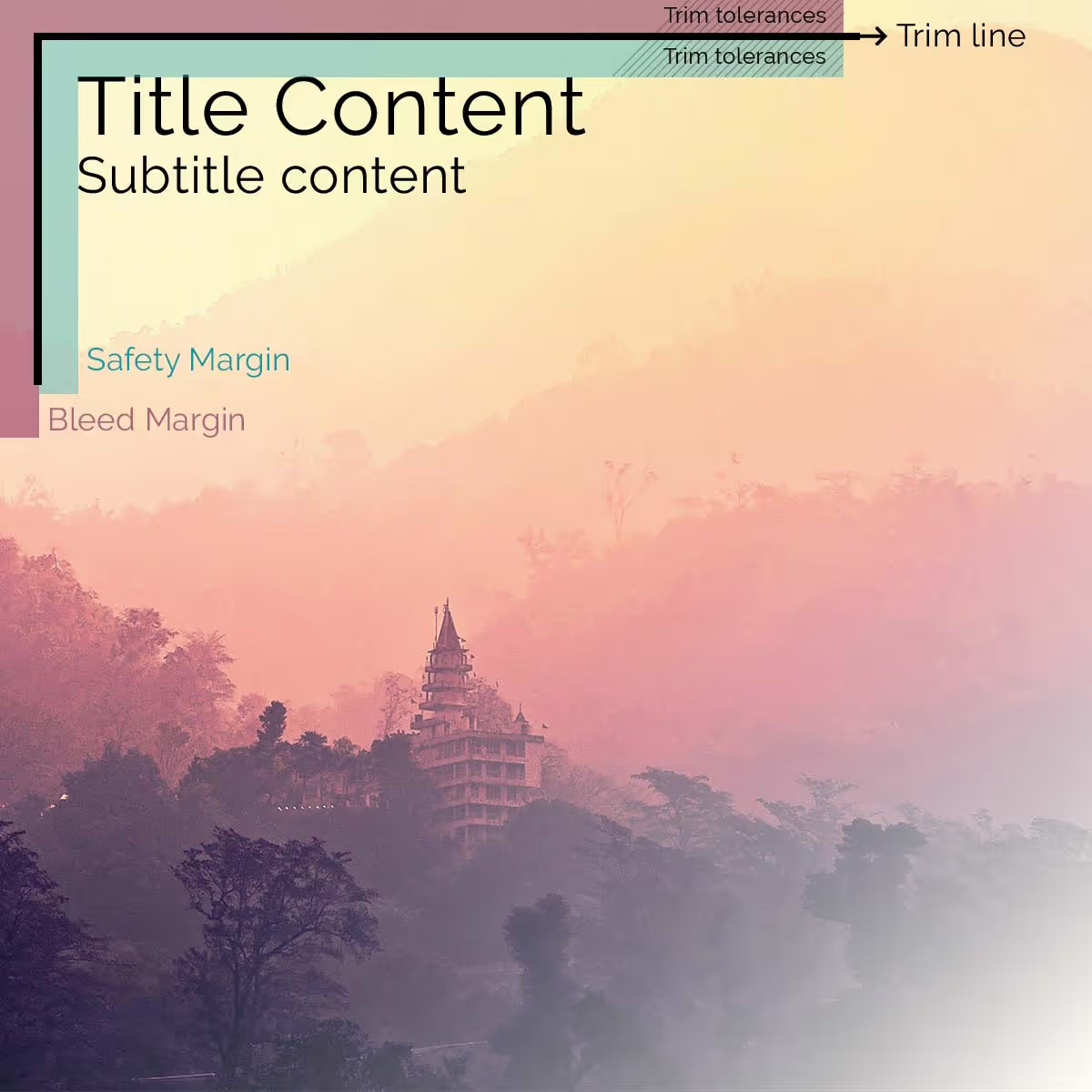
Please ensure your file has the following dimensions:
Use CMYK only. Files in RGB or with spot colors will be automatically converted, which may cause colors to appear different from the original file.
The total ink coverage (C+M+Y+K) must not exceed 300% to ensure proper drying and prevent pages from sticking.
Image resolution needs to be a minimum of 150 dpi (recommended 300 dpi) to ensure sharp, high-quality results. Avoid low-resolution or pixelated images.
Film lamination (not to be confused with plastic pockets or sleeves) is bonded directly to your brochures to give them a protective layering. You can select between either matte or gloss film lamination.
A few things to keep in mind:
Use PostScript fonts for offset printing. If TrueType fonts are used, convert them to outlines (also known as paths or curves) to avoid rendering issues.
Export your artwork as PDF/X-3 for the best color accuracy and reliable printing results. Alternatively, you can send us JPEG or TIFF files. Adobe Photoshop users should always save their files as JPEG or TIFF. If a Photoshop PDF is required, please use Acrobat Distiller to create the PDF (you may download our Acrobat JobOptions further down this page). Please never save a PDF directly from Photoshop.

Use our blank templates here. This includes the bleed, safety margins, color profile, and fold lines (if it is a folding product).
Please first choose a size from the calculator to see the according templates here.
{{{downText}}}
Extend the life and enhance the quality of your prints with custom laminated brochures. Popular for both indoor and outdoor use, lamination protects your brochures from damage, ensuring they look great for a long time.
Lamination provides several key benefits:
For a sophisticated look, choose matte brochure lamination. This option provides a smooth, satin finish that gives your design an elegant, understated feel. Matte lamination also reduces glare, making your brochures easy to view in any lighting.
If you want your colors to shine and your fine details to stand out, then glossy lamination is the ideal choice. This bright, reflective finish adds a layer of shine that makes colors more vibrant and brings every detail of your artwork to life.
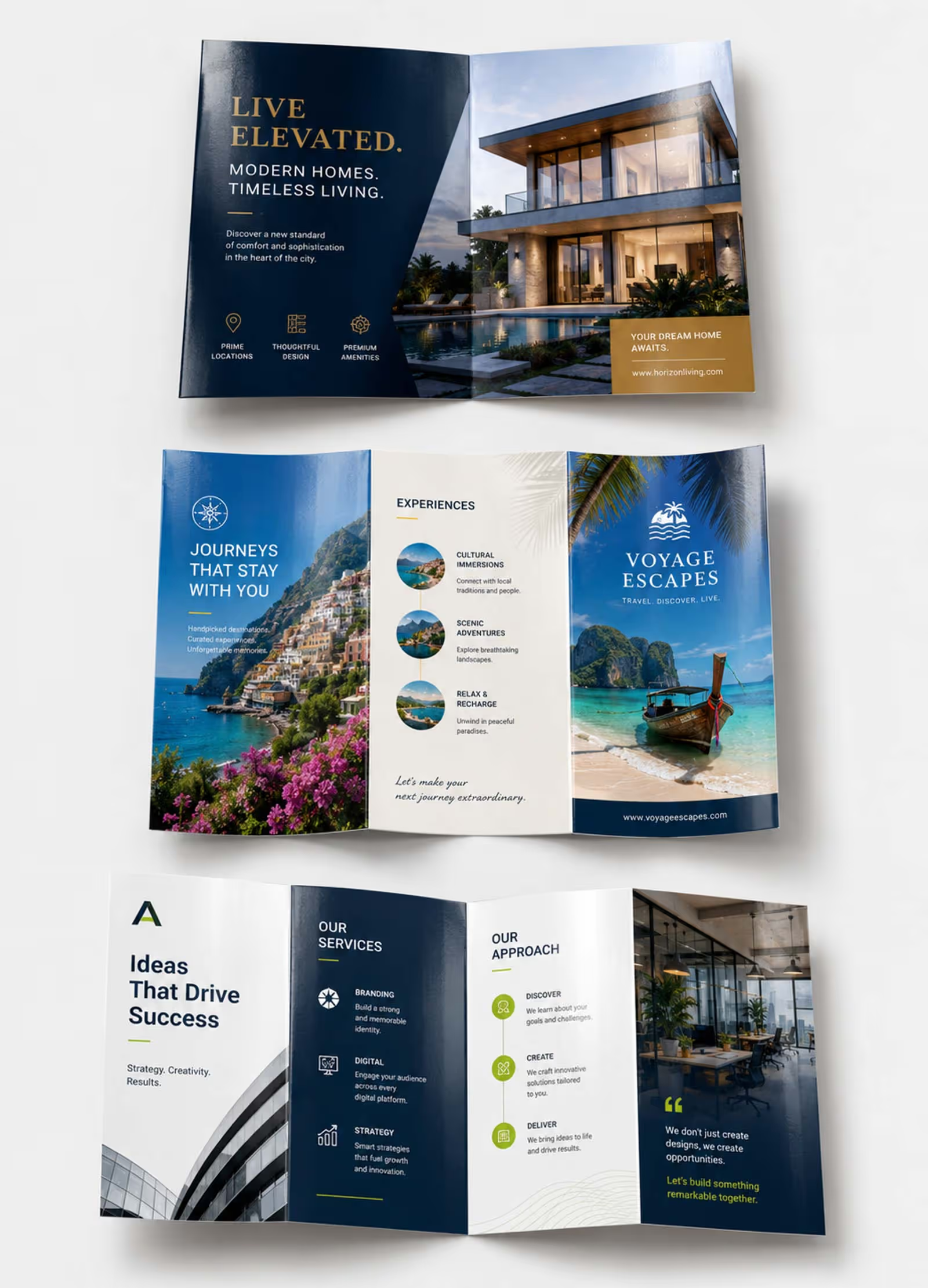
Brochures give brands a compact and high-impact way to communicate key messages, showcase services, and even guide customer decisions. For the following industries they deliver the most value:

Present listings with detailed floor plans, high-res photography, and feature highlights that buyers can take home and revisit. Beyond the property itself, real estate brochures sell the lifestyle by including neighborhood details like local schools, parks, and amenities.

Showcase menus, catering packages, and special event offerings. Restaurants also use brochures to promote loyalty programs, highlight signature dishes, and drive foot traffic with takeaway pieces that keep the brand top of mind.

Drive traffic to specific collections or product lines with curated seasonal brochures that pair striking visuals with QR codes linking to your online store. Retailers also use them as product comparison guides, helping customers evaluate specs and features side by side, before purchasing.

Promote hotel facilities, spa services, local area maps, and event packages in a polished, guest-facing format. Whether it's an in-room guide or a wedding venue brochure, hospitality brands use them to help guests explore every available option and make confident booking decisions.

Provide clear, take-home materials that explain diagnoses, treatment options, and post-care instructions in a digestible format. Clinics and hospitals also use brochures to introduce their specialist teams, as well as educate patients and clients.

Break down complex service tiers, pricing structures, and engagement models into a clear, transparent overview. Brochures also work as case study spotlights and client onboarding guides, helping professional firms prove their value from day one.
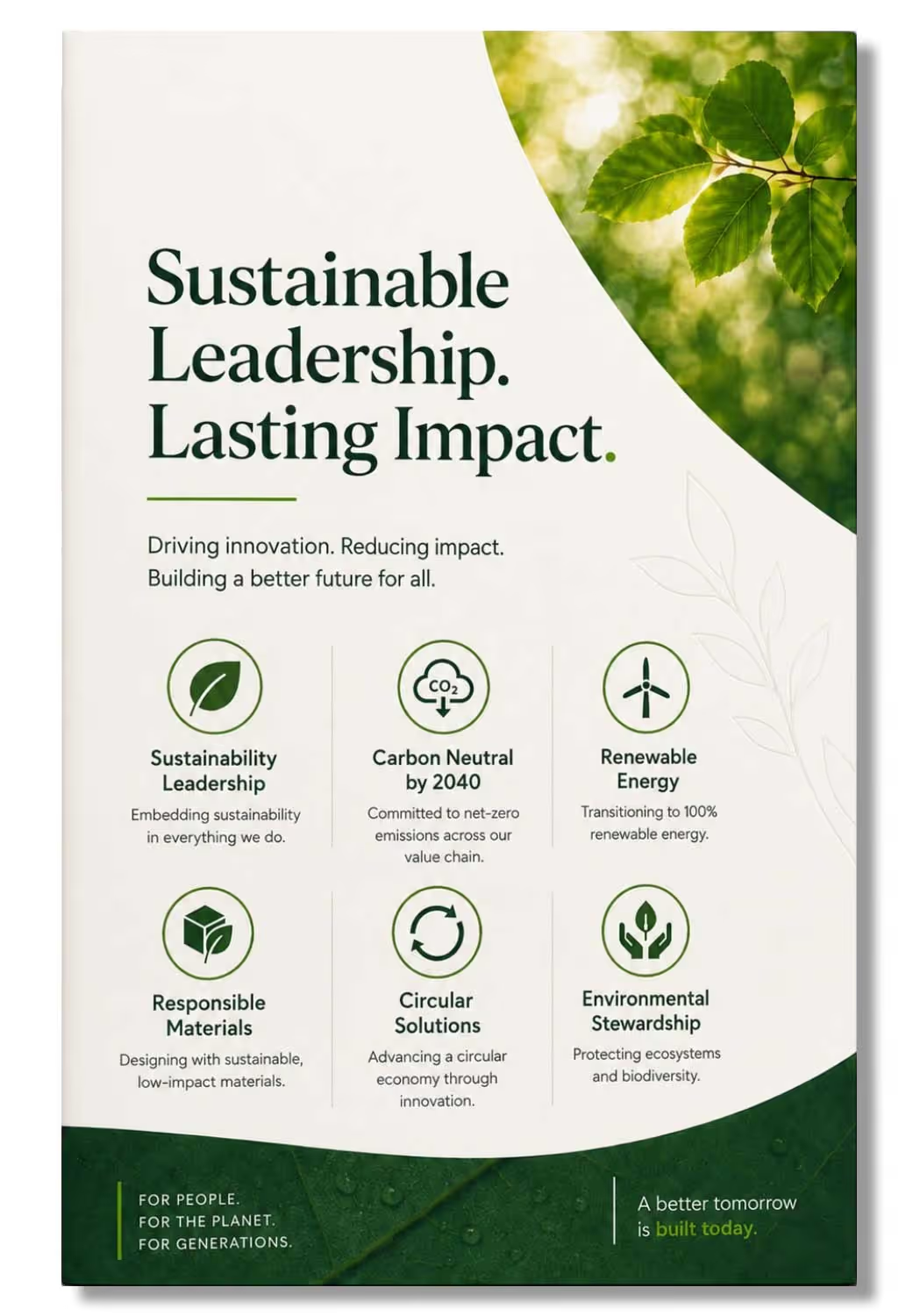
At ChilliPrinting, sustainability is built into the way we print. Every brochure is produced using eco-conscious processes, and when you want a fully sustainable brochure, you can simply select our recycled paper option in the configurator—all without compromising on quality.
We offer two paper choices in the configurator: regular paper and recycled paper. If you choose recycled, your brochures are printed on stock made from reclaimed fibers, giving you a sustainable end product. Whichever paper you select, the printing itself follows the same eco-conscious standards for inks, energy, and waste.
The recycled paper option is available for the most common brochure sizes and folding styles. Whether you need a compact 8.5" x 11" tri-fold or a large-format 34" x 11" accordion fold, choosing recycled paper delivers the same vibrant full-color results with no trade-off in quality or finish.
We produce top-quality brochures using premium papers, vibrant offset printing, and crisp, accurate folding for professional results.
Experience quick production and reliable shipping. We make ordering printed brochures online fast, efficient, and always on schedule.
Enjoy cheap brochure printing without compromise. Our high-quality folded leaflets deliver premium results at the lowest costs.
You can design your brochure yourself using any professional layout software such as Adobe InDesign, Illustrator, or Photoshop, and then upload the finished file directly to our website.
If you prefer not to design it yourself, we also offer affordable design services where our team creates a print-ready file based on your content and instructions.
To get started, select your brochure’s size, fold type, paper, and quantity in our product configurator. Then add the item to your cart and upload your artwork. Our automated system will check your file and generate a free PDF proof for your review before printing begins.
The right paper depends on how your brochure will be used. For general marketing handouts and tri-fold mailers, a 100 lb gloss text stock provides a professional feel and vivid color reproduction at an economical price.
For brochures that need to feel more substantial, such as real estate presentations or luxury service menus, upgrading to a 14 pt or 16 pt card stock gives a heavier, more premium impression.
If you plan to mail your brochures in bulk and want to keep shipping costs down, an 80 lb text stock is a lightweight option that still reproduces color well.
Not sure which paper feels right? Order one of our free sample kits to compare stocks side by side before committing to a full run.
Gloss text is a standard coated paper with a smooth, shiny surface that enhances color saturation and is ideal for most brochure interiors and lightweight folded pieces. Gloss cover, sometimes called card stock, is a thicker, more rigid version of the same coated finish, giving brochures a heavier, more durable feel.
High-gloss UV coating is a liquid finish applied on top of the printed sheet that adds an extra layer of shine and protection against fingerprints, scuffing, and moisture. UV coating is available on card stock options and is a popular upgrade for brochures that will be handled frequently, such as product sell sheets and trade show handouts.
If you need to write on your brochure, for example, to add a personalized note or fill in contact details by hand, choose an uncoated paper stock. This surface accepts ink from pens and markers without smearing or beading.
Gloss, matte and UV-coated papers have a sealed surface that resists standard writing instruments, so ballpoint and felt-tip pens will not write well on them.
The most popular brochure size is the 8.5” x 11” letter format with a tri-fold (also called a letter fold), which creates a compact finished piece that fits into a standard #10 business envelope.
The 8.5” x 14” legal size with a tri-fold is another popular choice when you need slightly more room for content.
Beyond tri-folds, bi-fold (half-fold) brochures are widely used for restaurant menus, event programs, and price lists because they offer four large panels. Z-folds are popular for step-by-step guides, maps, and timelines because all panels can be seen at once when fully opened.
Our configurator offers a wide selection of sizes and fold types.
The flat size is the full dimension of the sheet before any folding takes place. This is the size your design file needs to match.
The folded size is the finished dimension of the brochure after it has been folded, which is the size your customer will hold in their hands.
For example, an 11” x 8.5” flat sheet that is tri-folded produces a finished piece that is 3.7” x 8.5”. Our configurator and the layout mockup automatically shows both the flat and folded dimensions, along with a visual panel layout, as soon as you select your size and fold type.
For a bi-fold, the sheet is folded in half, so each panel is exactly half the flat width. For example, an 11” x 8.5” sheet folded in half gives you two panels of 5.5” x 8.5” on each side.
For a tri-fold (letter fold), the sheet is divided into three panels. The panel that folds inward is typically 1/16” to 1/8” narrower than the outer two panels so the brochure folds flat without buckling.
A z-fold divides the sheet into three equal panels because no panel tucks inside another. Our configurator displays the exact panel dimensions for every size and fold combination you select.
Design your brochure at the full flat size as a single page for each side, with the front and back on separate pages. Place your content in the panel positions that correspond to the folded reading order, keeping in mind that the panel arrangement differs between fold types.
For a standard tri-fold, the inside flap panel (the one that folds in first) is on the right side of the back layout, not the left. The front cover panel is on the right side of the front layout.
Our free downloadable templates show the correct panel positions, fold lines, bleed areas, and safety margins for every fold type, so you can simply drop your content into the right panels.
In most cases, no. The calculator will show you whether your chosen product ships folded or flat, so you'll always know what to expect before ordering. For most sizes and fold types, we print, fold, trim, and deliver your brochures ready to use, with folding included at no extra charge.
There is one exception: certain brochure sizes and fold types can't be machine-folded when printed on card stock. In those cases, we score the paper instead (essentially a pre-fold crease) and ship the brochures flat. Thanks to the scoring, folding them by hand is quick and easy. You can do it when handing them out.
To order, simply select your fold type in the configurator, upload your file, and we'll handle the rest. The calculator will confirm whether your order ships folded or scored-and-flat.
Yes. After you upload your file, our system generates a free PDF proof, which you can download via the download button. The proof displays the PDF trimbox so you can check the trim line and bleed. Note that you may need to enable the trimbox in your PDF viewer's preferences for it to be visible.
For a more detailed view, use our Visual Upload Tool: click the button of the same name before you begin uploading. This visual helper shows bleed and fold lines during the upload process, so you can confirm everything is positioned correctly as you go.
If you want a hands-on review, you can add our Expert File Check option in the shopping cart. One of our prepress specialists will manually inspect your file for technical issues such as low resolution, incorrect color mode, or missing bleed, and correct them if necessary before printing begins.
Use images at a minimum resolution of 150 dpi, with 300 dpi recommended for sharp reproduction of photography and fine detail. Set your file’s color mode to CMYK rather than RGB, as CMYK matches the ink process used in offset printing and produces more accurate color results.
Keep all critical text and imagery at least 1/12” inside the trim edge to prevent content from being cut off during finishing. Include 1/10” of bleed on all sides so that backgrounds and images extend cleanly to the edge. Export your final file as a high-resolution PDF, ideally PDF/X-3, for the best color accuracy.
Text weight papers (80 lb to 120 lb gloss or matte text) are ideal for lightweight brochures such as tri-fold mailers, event handouts, and restaurant takeaway menus. They fold cleanly, keep mailing costs low, and reproduce color well.
Card stock papers (14 pt to 16 pt) are best for brochures that need to stand up to heavy handling, such as trade show sell sheets, product spec sheets, and real estate flyers. Card stocks feel more substantial and can be enhanced with glossy or matte lamination for added durability.
Uncoated stocks work well for brochures that require a writable surface or a natural, eco-friendly appearance.
Start by defining your brochure’s purpose and audience before laying out content.
Use high-resolution images, limit your design to two or three complementary fonts, and leave enough white space so the layout does not feel crowded. Place your most important message or call to action on the front cover panel where it is seen first.
Always design at the full flat size and use our free templates, which include fold lines, bleed, and safety margins already set up. Keep text away from fold lines, as copy that runs across a crease can be difficult to read.
Finally, review the PDF proof carefully to confirm panel order, image placement, and color accuracy before approving the job.
Take a look at all the other print products that we produce to help support your print marketing campaigns.
Catalogs
Configure nowBooklets
Configure nowFlyers
Configure nowSign up to our newsletter for all the latest news and our exclusive promotions.

Total: $129.50
Total: $129.50